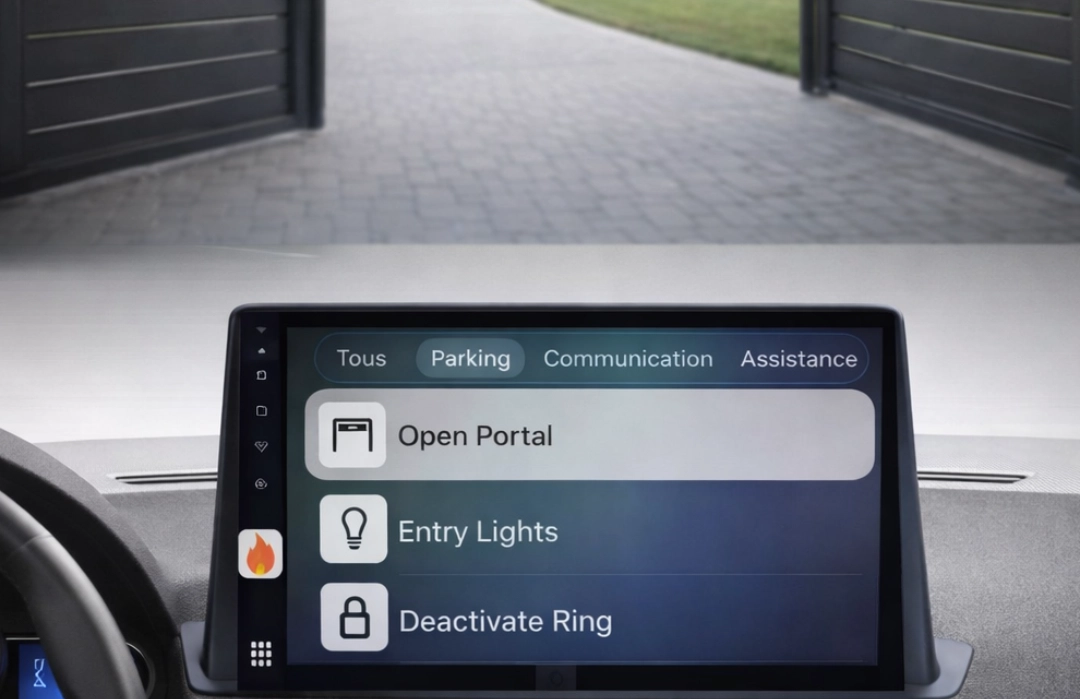
Buttons → Webhooks → Done.
Run your webhooks and API calls in one tap.
Turn your automations into one-tap buttons — on iPhone and on CarPlay.
Public site only — the admin console isn’t accessible here.
What Firehook does
Firehook lets you create simple buttons that call your webhooks or APIs. Typical uses: open a gate, trigger an automation workflow, call a smart home endpoint, or send a quick “I’m arriving” notification — from your phone and from your car screen.
How it works
You define a hook once (URL + method + optional headers/body). When you tap, the request is executed by your device. Firehook does not run your hooks from our infrastructure.
Privacy by design
Hooks and variables are stored in your account environment. Sensitive values can be stored in encrypted form, so you can reuse them without pasting secrets everywhere. You stay in control of what you send and where you send it.
One tap, less friction
Turn recurring actions into buttons: run webhooks, call APIs, open deep links.
Built for everyday use
Simple flows, clear outcomes. If something fails, you can see it and fix it.
Your data stays yours
Hooks are executed from your devices — not from our infrastructure. Variables can be stored in encrypted form.
Common things people automate
What you can build with Firehook
Works with services and APIs you already use.